Clover Leaf: A Color Font for Bold, Modern Design
When you're looking for a typeface that does more than just sit on the page, you're often searching for personality. You want something that grabs attention, sets a mood, and communicates a message before a single word is read. This is where a premium font like Clover Leaf moves beyond the basics. It’s not just a collection of letters; it’s a fully realized design asset built for impact.
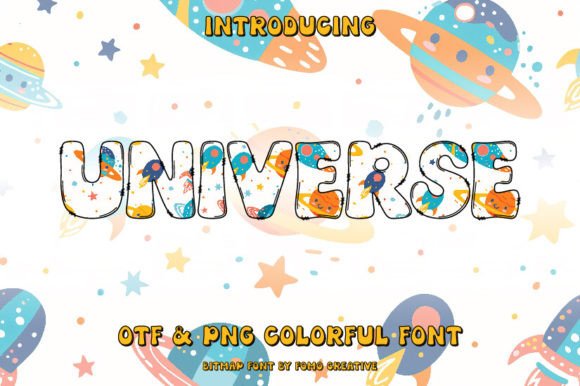
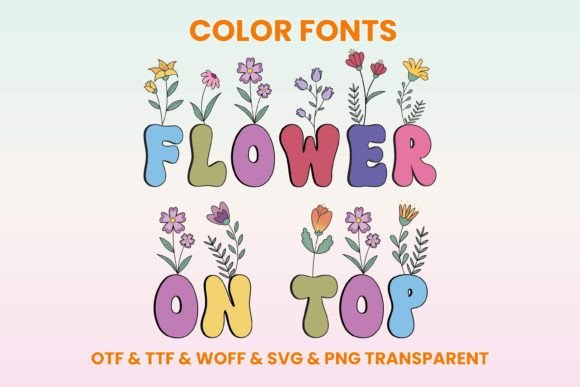
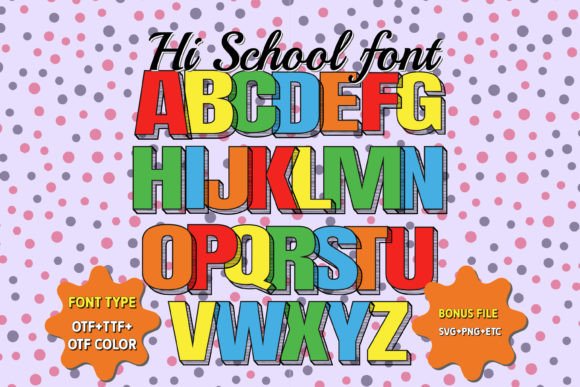
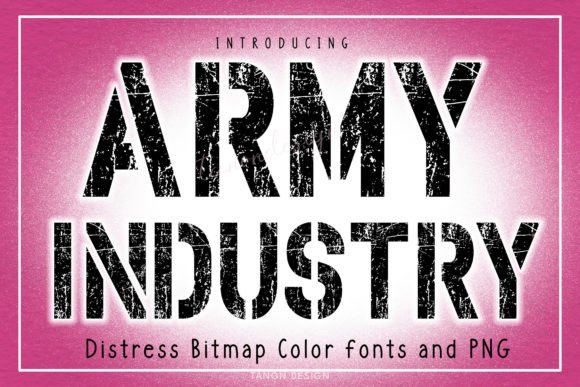
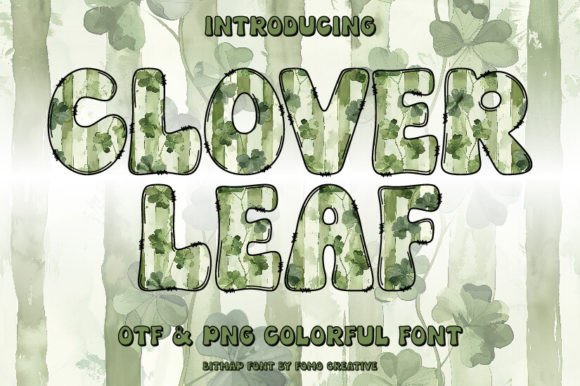
Clover Leaf is a color font, specifically an OpenType-SVG font. If you’re used to standard typefaces, this is a significant step up. Instead of a single, flat color, each character is a pre-designed graphic with built-in color, gradients, shadows, and transparency. Think of it as a tiny illustration for every letter. This allows for a level of visual richness that traditional fonts simply can't achieve on their own. The personality of Clover Leaf is modern and dynamic, designed to make your headlines pop and your branding feel contemporary.
Where Clover Leaf Truly Shines
The real value of a creative font like this is its versatility across projects where visual appeal is paramount. It’s a display font at heart, meaning it’s built for headlines, logos, and short, impactful text blocks rather than lengthy paragraphs.
For entrepreneurs and small business owners, Clover Leaf can be a game-changer for logo design and brand identity. Imagine a boutique coffee shop, a trendy salon, or a tech startup using this font for its wordmark. The built-in effects immediately convey a sense of style and innovation, helping the brand stand out in a crowded market. It’s equally effective for creating cohesive brand assets like social media headers, profile graphics, and email newsletter banners.
Marketers and content creators will find it invaluable for social media graphics. A striking Instagram post, a compelling Facebook ad, or a Pinterest pin that needs to stop the scroll benefits immensely from a typeface that has built-in visual interest. It reduces the need for complex layering in design software, making professional-looking graphics more accessible.
In publishing and editorial design, use Clover Leaf sparingly but effectively. It can elevate the cover of a magazine, a chapter title in a book, or a pull quote in a digital article. For crafters and hobbyists, it brings a professional touch to greeting cards, party invitations, and personal project posters. The key is to leverage its strength for focal points.
Making It Work: Practical Guidance for Your Projects
Choosing the right font is a strategic decision. Here’s how to evaluate and implement a color font like Clover Leaf effectively.
- Evaluate the Project Fit: Ask yourself: does this project need a high-energy, modern aesthetic? Clover Leaf is perfect for designs aiming for a youthful, vibrant, or cutting-edge feel. It might be less suitable for a traditional law firm’s annual report but ideal for a music festival poster or a children’s product line.
- Test Font Pairings: A bold display font needs a solid partner. Pair Clover Leaf with a clean, simple sans serif font or a classic serif font for body text. This creates a clear visual hierarchy, where the headline commands attention and the supporting text remains highly readable. Avoid pairing it with other ornate script fonts or handwritten fonts, as this can create visual chaos.
- Review the Included Styles: Check what’s in the package. Does the font family include different weights or styles that complement the main color version? Sometimes, a monochrome version is included, which is useful for situations where color printing isn’t possible or for creating secondary branding elements.
- Consider Readability: The very elements that make a color font appealing—gradients, shadows—can sometimes affect legibility at small sizes. Always test your headline at the intended size. Ensure there is enough contrast between the font’s colors and the background. For web design, consider how it renders on different screens.
- Understand the Licensing: This is critical for any commercial font. Verify that the license covers your intended use—whether it’s for a client’s logo, merchandise for sale, or a digital product. Knowing the terms upfront prevents legal headaches down the road.
A crucial technical note: this is an OpenType-SVG font. It is compatible with professional design software like Adobe Photoshop, Illustrator, and free alternatives like Inkscape. However, it is not compatible with Cricut machines or other basic cutting software that cannot interpret color font data. Always check the Ultimate Font Guide for detailed compatibility and usage instructions to ensure a smooth workflow.
In the end, a typeface like Clover Leaf is a powerful tool in your design toolkit. It’s about more than just letters; it’s about creating an immediate emotional response and establishing a distinct visual tone. Used thoughtfully, it can elevate your projects from ordinary to memorable, reinforcing your brand’s professionalism and creative vision. The goal isn’t to use the flashiest font everywhere, but to choose the right asset that tells your story most effectively. Clover Leaf offers a unique, modern chapter for that story.